
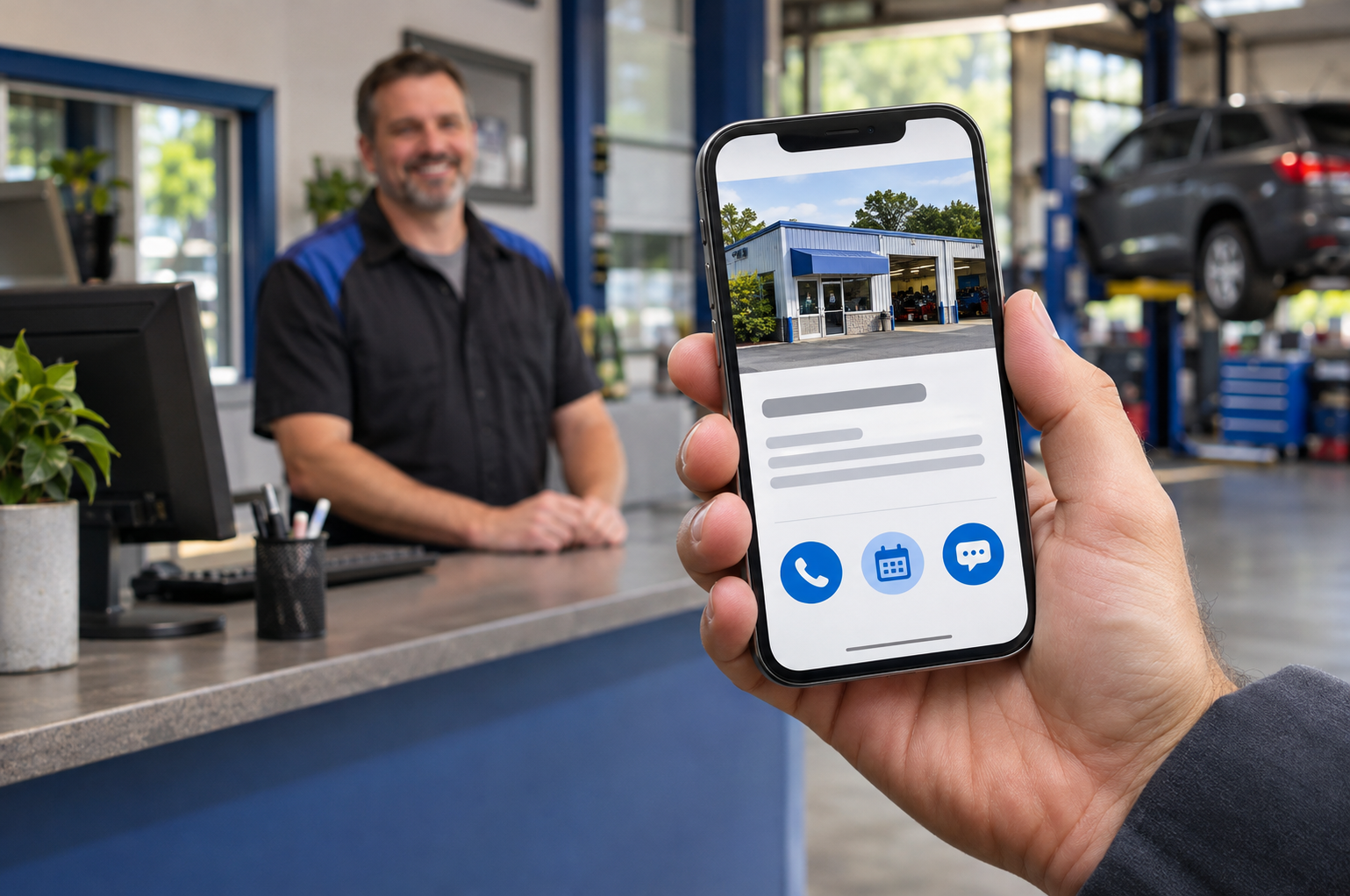
A customer finds your repair shop on Google, likes what they see, and taps a button to contact you. Where does that button take them—and does anyone receive the inquiry?
Your Google Business Profile can connect customers with your website, appointment page, and, where available, messaging options. A quick check of those routes can reveal problems that are easy to miss when you spend most of your time managing the shop.
Start with the Customer’s View
Search for your shop on a phone and open its public profile. Check the phone number, website destination, and any appointment or messaging links that appear.
Follow each route yourself. Does the website open the correct page? Can a customer request an appointment without getting stuck? If a message button appears, does it reach an inbox your team checks?
We recommend treating this as a customer-service check. A visible contact option is useful only when it leads to a working, monitored destination.
Know Which Messaging Options Your Profile Offers
Google currently documents text-message and WhatsApp options for eligible Business Profiles. Availability varies by region and profile, so every shop may not see the same settings. Google says these options can be managed under Edit profile → Contact → Chat. Google Business Profile Help
Before enabling messaging, decide who will answer inquiries during business hours and who will cover absences. Use an acknowledgment that accurately explains when customers can expect a response.
If your team cannot reliably monitor an additional inbox, focus on the contact methods you can support well.
Review Links You Did Not Add Yourself
Google explains that some service links can appear automatically through third-party providers or automated data. Its guidance also describes how to manage booking links and select a preferred destination when multiple options are available. Google Business Profile Help
That makes it worth inspecting the public profile after changing appointment systems, website providers, or business contact details.
Check that each link belongs to your shop and allows the customer to complete the action its label promises. Google’s business-link policies require action links to lead to an appropriate destination; an appointment link should support appointment booking. Google Business Profile Help
Keep Appointment Requests Clear
If your website collects a request that staff must review, explain what happens next. Tell customers whether they should wait for confirmation before bringing in their vehicle.
Have your team test the process from beginning to end. Confirm that the request arrives, the acknowledgment is accurate, and the customer receives the follow-up your website describes.
These are operational recommendations—not promises of higher search rankings. Their purpose is to help people who already found your shop take the next step successfully.
Make A Short Contact Check Part of Your Routine
You do not need a major website project to perform this review:
- Verify the public phone number and website link.
- Test the appointment process on a phone.
- Review any messaging options and where they go.
- Confirm who receives each type of inquiry.
- Repeat the check after changing providers or contact details.
Need help reviewing how customers move from Google to your shop? Contact Motorhead Advantage to discuss your website and local search priorities.